Creating a home office that balances coziness with productivity can transform your work-from-home experience. When your workspace is inviting and well-organized, it becomes easier to focus, reduce stress, and get through your tasks efficiently. Whether you have a dedicated room or just a small corner, these tips will help you design a home office that feels just right.
Choose the Right Location
Selecting the best spot for your home office is the first step. Ideally, find a quiet area away from heavy foot traffic and distractions. A room with natural light is a bonus, as sunlight can boost mood and energy.
– Dedicated space: If possible, use a separate room to mentally separate work from personal life.
– Quiet environment: Avoid noisy areas or use noise-canceling headphones.
– Near power outlets: Ensure easy access to outlets for your technology without cords stretching across walkways.
Invest in Comfortable Furniture
Comfort is key to staying productive. Look for furniture that supports good posture and complements your style.
– Ergonomic chair: Choose one with adjustable height, lumbar support, and cushion comfort.
– Desk size: Pick a desk that fits your work essentials without overcrowding.
– Additional seating: Include a small chair or bench for taking breaks or informal meetings.
Optimize Lighting
Proper lighting reduces eye strain and keeps you alert.
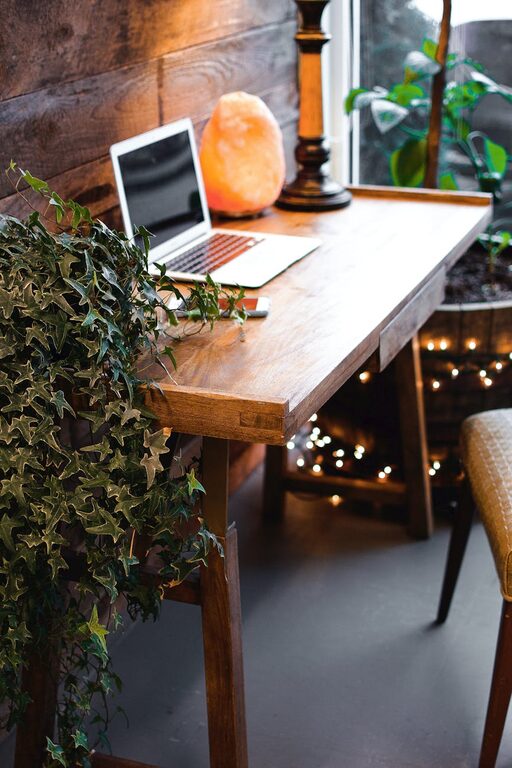
– Natural light: Position your desk near windows.
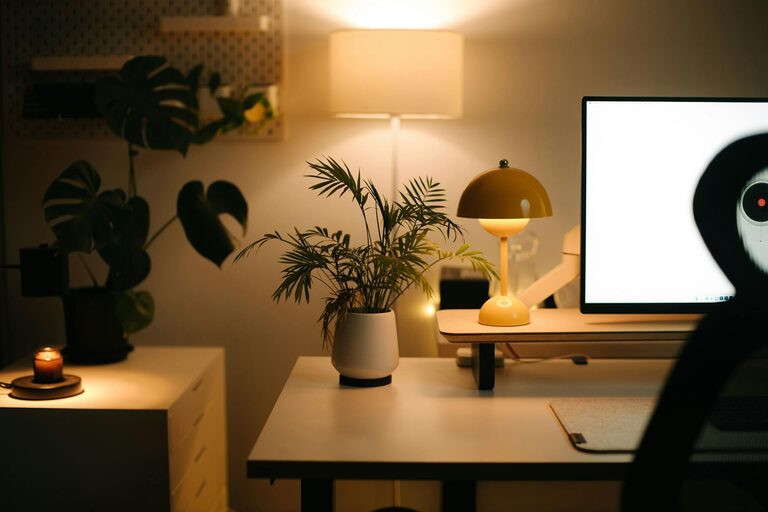
– Task lighting: Use a desk lamp with adjustable brightness.
– Avoid glare: Position screens to minimize reflections.
Organize Efficiently
A clutter-free environment helps keep your mind clear.
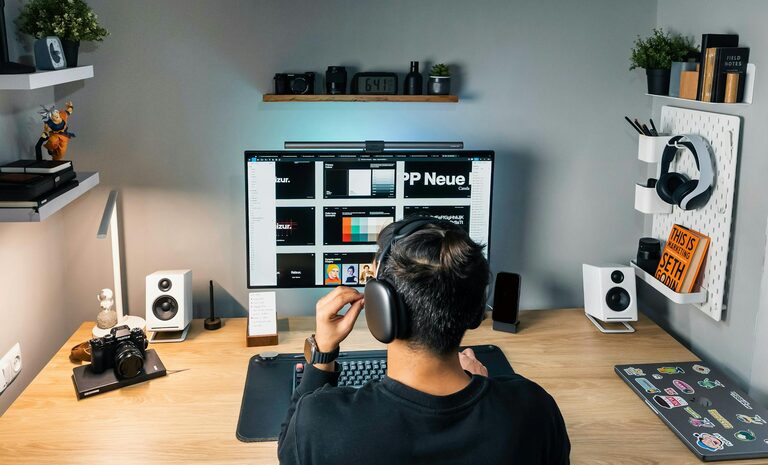
– Storage solutions: Use shelves, drawers, and organizers.
– Cable management: Use clips or cord covers to keep wires tidy.
– Minimal décor: Add only meaningful items to avoid distractions.
Personalize Your Space
Adding personal touches makes your office feel welcoming and motivates you.
– Plants: Houseplants add freshness and improve air quality.
– Artwork: Hang prints or photos that inspire you.
– Comfort items: Use cozy blankets or cushions to enhance comfort.
Manage Technology Wisely
Technology is essential but can become overwhelming if not managed properly.
– Essential devices: Keep only the gadgets you need.
– Regular updates: Maintain your computer and software for smooth operation.
– Backup plans: Use cloud storage or external drives to save your work.
Maintain a Routine
Establishing work habits is as important as your physical environment.
– Set work hours: Stick to a schedule to balance work and rest.
– Breaks: Step away regularly to avoid burnout.
– End-of-day ritual: Organize your desk and plan for the next day.
Control Noise Levels
Sound can greatly impact concentration, so think about ways to manage noise.
– Noise-canceling headphones: Great for blocking distractions.
– Soft furnishings: Rugs and curtains absorb sound.
– White noise machines: Create consistent background noise that masks interruptions.
Keep It Fresh and Airy
A well-ventilated room makes working more pleasant.
– Open windows: When possible, let fresh air circulate.
– Air purifiers: Consider adding one if your space lacks ventilation.
– Regular cleaning: Dust and vacuum to keep the space comfortable.
Final Thoughts
Designing a cozy and productive home office is about balancing comfort with function. Tailor your space to suit your personal work style and needs. With thoughtful choices in location, furniture, lighting, and organization, you can create an environment that keeps you motivated and makes working from home a pleasure. Don’t be afraid to adjust your setup over time as your needs evolve—your ideal workspace is an ongoing project that grows with you.