Creating a productive home office environment is essential for anyone working remotely or managing tasks from home. A well-designed workspace can improve focus, reduce distractions, and increase efficiency, making your workday smoother and more enjoyable. Whether you’re setting up a new office space or looking to enhance your current one, these tips will help you create an environment that supports productivity and wellbeing.
Choose the Right Location
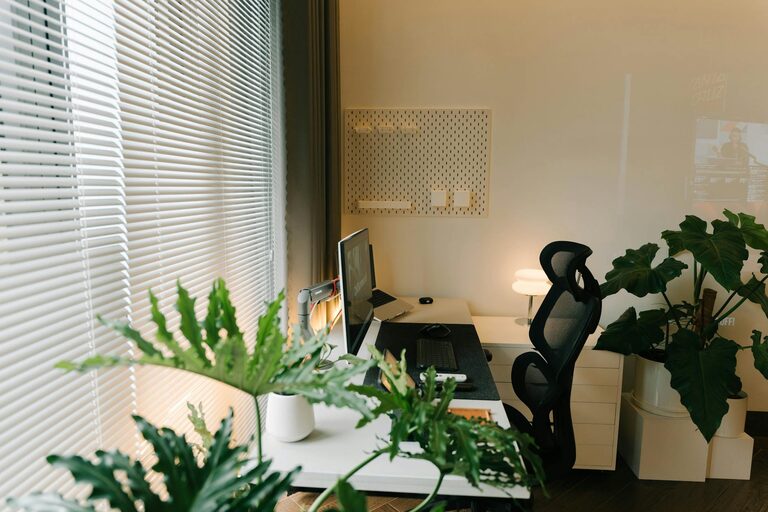
Selecting the best spot for your home office is the first step toward a productive workspace. Ideally, pick a quiet area with minimal foot traffic and distractions. If space allows, choose a room with a door to separate work from household activities. Natural light is a bonus, as it can boost mood and energy, so consider setting up near a window if possible.
Invest in Comfortable and Functional Furniture
Your furniture plays a big role in how well you can focus and stay comfortable throughout the day.
– Desk: Choose a desk that fits your available space and provides enough room for your computer, documents, and other essentials.
– Chair: An ergonomic chair supports good posture and reduces strain. Look for adjustable options to fit your body.
– Storage: Incorporate shelves, filing cabinets, or drawers to keep your workspace organized and clutter-free.
Organize Your Workspace Efficiently
A tidy workspace helps minimize distractions and makes it easier to find what you need.
– Use desk organizers to keep pens, papers, and gadgets in order.
– Cable management solutions prevent cords from tangling and cluttering your desk.
– Keep only essential items on your desk to maintain focus.
– Regularly declutter and clean your office space to maintain a fresh environment.
Set Up Proper Lighting
Good lighting minimizes eye strain and keeps you alert.
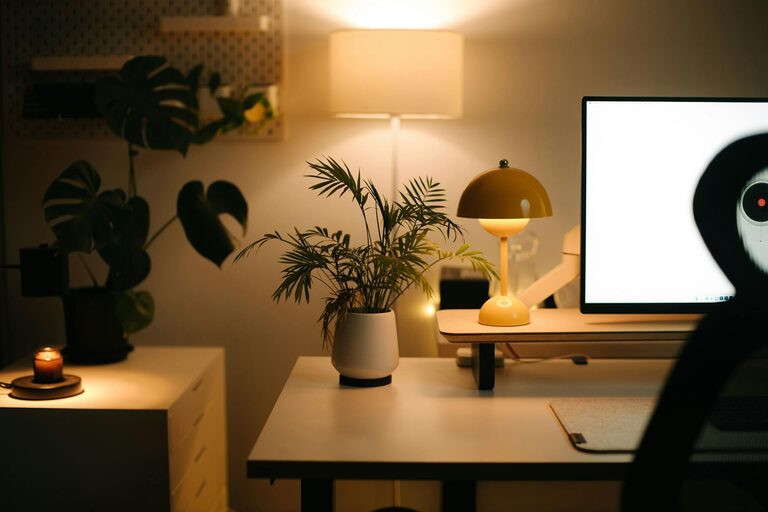
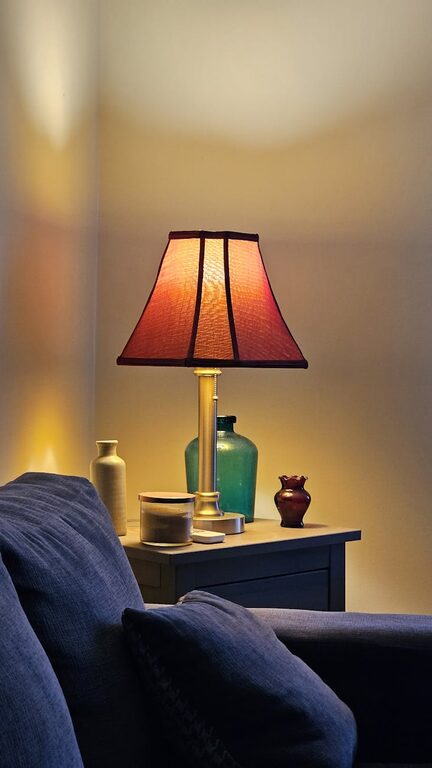
– Combine natural light with task lighting, such as a desk lamp.
– Avoid harsh overhead lights that cause glare on computer screens.
– Position your monitor to reduce reflections from windows and lights.
Minimize Distractions
Distractions can break your concentration and reduce productivity.
– Turn off non-work notifications on your phone and computer.
– Use noise-canceling headphones or play background music if it helps you focus.
– Communicate your work hours to family members or roommates to minimize interruptions.
Establish a Routine
Consistency can boost productivity and help separate work from personal time.
– Designate specific working hours and stick to them.
– Start each day by planning your tasks and priorities.
– Take regular breaks to rest your eyes and stretch, which promotes wellbeing.
Personalize Your Space
Adding personal touches can make your home office more inviting and motivating.
– Decorate with plants, artwork, or photos that inspire you.
– Use colors that help you feel calm and focused.
– Customize your workspace with items you enjoy but avoid cluttering your desk.
Utilize Technology Wisely
Technology can enhance productivity if used appropriately.
– Invest in reliable internet and hardware to avoid technical delays.
– Use productivity apps to organize tasks, calendar events, and collaborate with colleagues.
– Take advantage of digital tools to automate routine tasks.
Prioritize Ergonomics and Health
Your physical comfort affects your ability to work effectively.
– Set your monitor at eye level to prevent neck strain.
– Keep your feet flat on the floor or use a footrest.
– Practice good posture and adjust your setup as needed.
– Incorporate stretches or simple exercises during breaks.
Create Clear Boundaries
Working from home can blur lines between professional and personal life.
– Avoid working from places associated with relaxation, like your bed or couch.
– Make it a habit to “close” your office at the end of the day to signal the end of work.
– Dress for work to switch into a professional mindset.
—
By thoughtfully creating your home office environment with these tips, you can foster a space that helps you stay focused, comfortable, and productive. Small changes in your setup and habits can make a big difference in how efficiently you work and how balanced your work-from-home experience feels.